
 Picking back up with Humble Pie Week on Brandonjadams.com…
I screwed up yesterday. I missed a lunch with a friend. Spaced it. Sesame Street’s Forgetful Jones would be proud.
You might not think it a huge deal. My friend doesn’t. He and I have been friends for many years, and he’s hardly a petty man. We just rescheduled.
But you know how it is: our frustration is proportional to how highly we esteem the person we disappointed, and this guy pegs my scale. Plus, I want to be a fully reliable person, and this memory lapse business is all too common. I’d been looking forward to the lunch all week, remembered it two hours prior, even set a phone alarm. And of course it dodged all those layers: my phone managed to get buried on my desk and have its vibrate turned off by my pocket at some point. Fabulous.
And just to add insult to injury, the very next hour revealed an important task I’d forgotten to do for my boss.
Needless to say, the day was sliding into Beat Yourself Up territory on a greased pole.
As if that ever changes anything.
And given how brutally hard I am on myself, with the failure-barrages of marriage and ministry still hopefully ahead of me, one thing is clear: I’m going to have to start loving myself.
Loving myself.
Whaaaaa? you say. Loving yourself? That’s not right. We should be dying to ourselves, becoming less selfish. Being proud and putting ourselves first isn’t Biblical at all!
You’re right.
The catch is…that’s not love. Pride isn’t love. Self-focus isn’t love. We have love’s definition down in black and white, in 1 Corinthians 13. Sure, this is a bit of a “war over words” that I’m engaging in, but maybe love is a word we should defend. Why should we fear applying proper, Biblical love to ourselves? When is the last time we even tried?
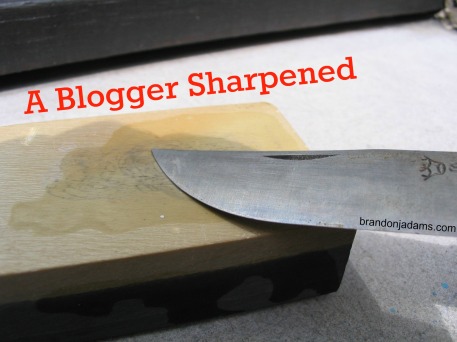 We cannot be sharpened if we have thin skin.
 This one might lose me a few followers.
 I’ll never forget that May snowstorm a few years ago.
 I’m sorry.
